How to get the most out of Ooih: a practical guide
A practical guide to using Ooih — from voice notes to published content, image generation to task management. Real examples, tips, and advanced workflows.
How to get the most out of Ooih: a practical guide
Most AI tools generate text. You paste a prompt, get an output, copy it somewhere, format it, publish it manually. The AI does 20% of the work. You do the other 80%.
Ooih works differently. It's an operator — it doesn't just write things, it does things. It publishes blog posts, generates images, processes voice notes into structured plans, manages tasks, and learns how you like things done. All from a single Telegram chat.
This guide covers how to actually use it — what works, what to try first, and how to get better results over time.
Getting started
There's no onboarding wizard. No dashboard to configure. You open Telegram, message @ooihdev, and describe what you need.
That's it. Your first message can be:
- "I need a blog post about our new product launch"
- "Remind me to follow up with the client on Thursday"
- "Here's a voice note — turn it into a structured plan"
- A product photo with "make a social media post from this"
Ooih figures out what kind of task it is and routes it to the right internal workflow. You don't need to know how the system works — just say what you need in whatever way feels natural. Russian, English, German — it adapts.

What Ooih is best at
Turning messy ideas into structured output
You have an idea in your head. Writing a formal brief feels like too much work. So the idea sits there.
With Ooih, you can record a voice note — ramble about your app concept, your marketing plan, your project structure — and get back organized, actionable output. One founder sent a three-minute voice note about a travel app idea and got back 112 developer-ready prompts, sorted into feature builds, monetization flows, test scenarios, and setup instructions. No meetings, no product manager, no briefs.
The key insight: you don't need to structure your input. Ooih finds the structure inside your stream of thought.
Photo to published content
If you run a marketplace, a product catalog, or any visual business — you know the pain of turning a single product photo into all the content you need. Blog article, social caption, cover image, channel post. Three to four hours per piece, minimum.
One of our users runs a watch marketplace. He sends a product photo to Ooih, says "let's do a blog post," and 87 minutes later everything is published — article on the website, caption in the Telegram channel, cover image generated and uploaded. His only input after the photo was a single "ok" to approve the draft.
Image generation
Need a blog cover? A product visual? An illustration for a presentation? Describe what you want and Ooih generates it. You can give detailed briefs ("dark gradient background, abstract visualization of data flowing from a microphone into organized categories") or keep it simple ("cover image for an article about AI automation").
You can request revisions, specify brand colors, set aspect ratios. The images are ready to use — no Figma round-trip needed.
Task management and reminders
"Remind me to send the invoice on Monday." "Track the status of the landing page redesign." "What did we decide about the pricing page last week?"
Ooih keeps context across conversations. It remembers what you discussed, what you decided, and what's pending. You're not starting from zero every time you open the chat.
Tips for getting better results
Be specific when it matters
"Write a blog post" works. "Write a blog post about our AP Royal Oak listing, 3-4 paragraphs, same style as the last one, include the price and condition details" works better. The more context you provide upfront, the less back-and-forth you'll need.
That said — you don't always need to be specific. If you're brainstorming or exploring, vague is fine. "What could we do for marketing this quarter?" is a perfectly good prompt. Ooih adjusts its depth based on how precise your input is.
Use voice notes
Seriously. Talking is faster than typing, and Ooih is built to handle unstructured spoken input. Don't overthink what you're saying — just talk through your idea, your problem, your plan. The messier the voice note, the more value Ooih adds by finding the structure you couldn't see while you were talking.
Teach it by reacting
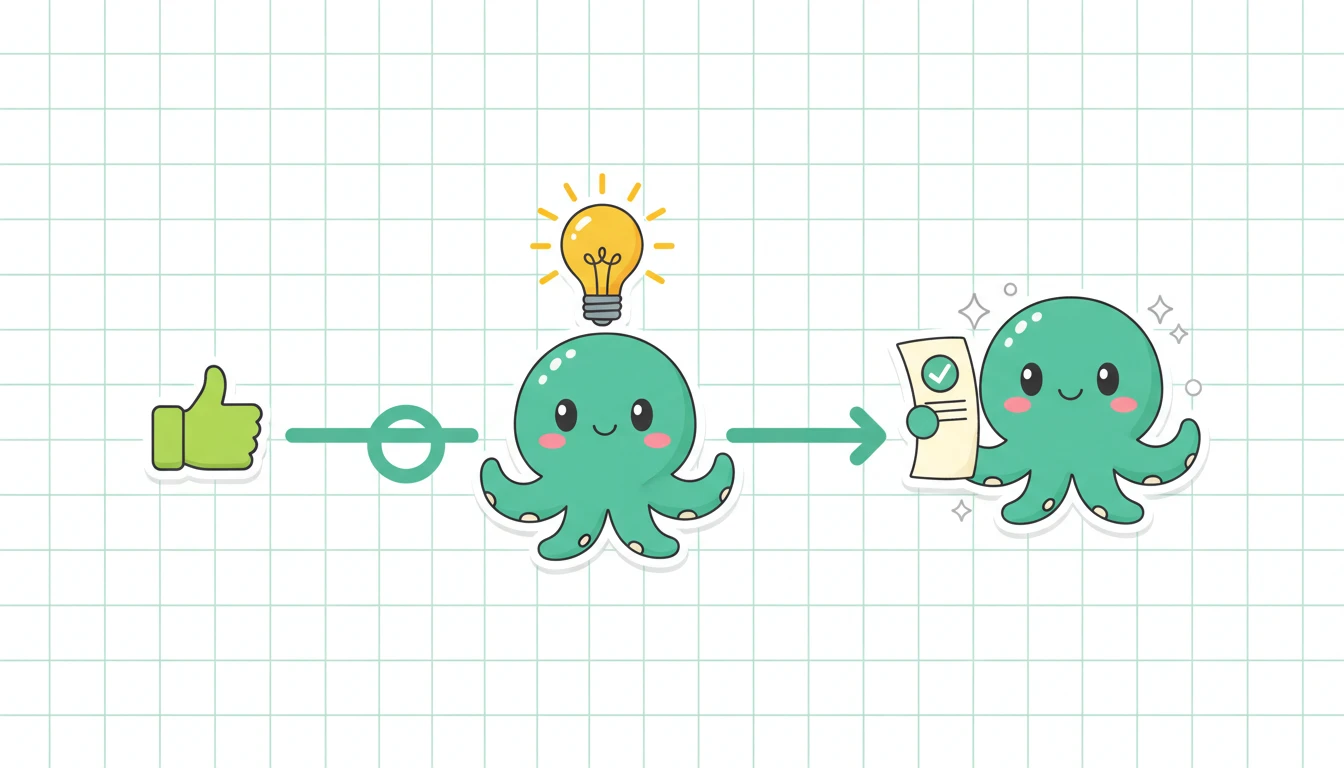
Every time you approve, reject, or edit something, Ooih learns. This is how it figures out your preferences:
- Approve a draft without changes → it learns your quality bar
- Edit a section before approving → it adjusts the style for next time
- Say "always show me the draft before publishing" → it applies that rule to every future post
- Reject something with "too formal" → it calibrates tone
You don't configure these rules in a settings panel. You just react naturally, and the system adapts. After a few interactions, Ooih starts producing drafts that need fewer edits.
Don't batch — delegate
Instead of collecting tasks and doing them all on Saturday, send them as they come up. "Generate a cover image for tomorrow's post." "Draft a reply to this client email." "Summarize the meeting notes I just forwarded."
Ooih handles multiple tasks in parallel. While you're reviewing a blog draft, it's already generating the images for the next one. The more you delegate in real time, the more leverage you get.
Advanced workflows
Multi-step content pipelines
The real power shows up when tasks chain together. You send a photo → Ooih writes the article → generates a cover image → formats a Telegram caption → publishes everything after your approval. That's four tasks handled as one workflow.
You can set this up by describing the full pipeline once: "When I send a product photo, I want a blog article, a Telegram post, and a cover image. Show me the draft, I'll approve, then publish everything." After that, a single photo triggers the whole chain.
Multi-channel publishing
Ooih knows where your content goes. Your blog, your Telegram channel, your social accounts. When it produces content, it adapts format and length for each destination. The blog article is SEO-optimized and detailed. The Telegram caption is punchy and short. Same source material, different outputs, published to different places — all from one message.
Scheduled and recurring tasks
"Every Monday, check if there are new watch listings and draft social posts for the week." "Remind the team about the standup every morning at 9." "Generate a weekly content report."
Ooih supports recurring workflows. Set them up once, adjust as needed. You stay in control of the approval loop — or remove yourself from it once you trust the output quality.
What Ooih isn't
It's not a chatbot you interrogate for information. It's not a writing tool you paste prompts into. It's not an automation platform you spend weeks configuring.
It's closer to a remote team member who handles the operational work you don't have time for — and gets better at it every week.
Start now
Open Telegram. Message @ooihdev. Describe your first task. That's the entire setup.
One chat. Every task. No setup. $99/mo flat — start in Telegram.